Best AI for Studying in 2026: 5 Tools for College Exams, Tested on the Same Material
We gave the same textbook section to Readray, NotebookLM, ChatGPT, Gemini and Claude and asked for flashcards and a practice quiz. Here is what each one made.

Quick answer: The best AI for studying depends on how you study. Use Readray if you want notes first and then a quiz whose explanations point to the page in your material. Use NotebookLM if you want free flashcards and quizzes with control over length and difficulty. Use ChatGPT for the most complete study pack in one answer, Gemini for the smoothest flashcard deck, and Claude if you want the tool to tell you when it is unsure.
Before an exam, rereading the chapter feels productive, but testing yourself usually works better. AI tools can now turn your own course material into flashcards and practice questions in about a minute.
We gave the same textbook section to five tools and looked at what a college student would actually get back. Readray is our own product, so every claim about it below comes with a screenshot from the test.
How did we test?
- Material: Section 8 of Lesson 1 from the CDC's Principles of Epidemiology, "Concepts of Disease Occurrence". It is a four-page textbook section in the public domain, saved as a PDF.
- Date: November 27, 2026.
- Readray: we uploaded the PDF, typed nothing, and clicked the "Create a Quiz" button that appeared.
- NotebookLM: we uploaded the PDF and clicked the Flashcards and Quiz buttons.
- ChatGPT, Gemini and Claude: we uploaded the PDF and sent the same message: "I have an exam on this material. Make flashcards and a practice quiz."
- Plans: all five were tested on paid or Pro accounts. Free limits mentioned here come from each tool's pricing or help page.
- Not tested: Quizlet, Knowt and StudyFetch are popular study apps. We did not test them for this post, so we make no claims about them.
At a glance
| Tool | Best for | What we got | Prompt? |
|---|---|---|---|
| Readray | Notes first, then a quiz tied to your pages | Structured notes with learning objectives, then a 15-question quiz in three levels | No |
| NotebookLM | Free flashcards and quizzes you can adjust | A 12-question quiz and a flashcard deck, with options for length and difficulty | No |
| ChatGPT | The most complete pack in one answer | 25 flashcards, a 15-question quiz, a diagram and a "key exam trap" | Yes |
| Gemini | The smoothest flashcard deck | 25 flashcards with shuffle, audio and progress tracking | Yes |
| Claude | Honest answers when the material is unclear | 15 flashcards and a 10-question quiz in one widget | Yes |
Last checked: November 2026.
1. Readray | Free and paid plans
Available on: web, Chrome extension, desktop app, iOS and Android
What you get
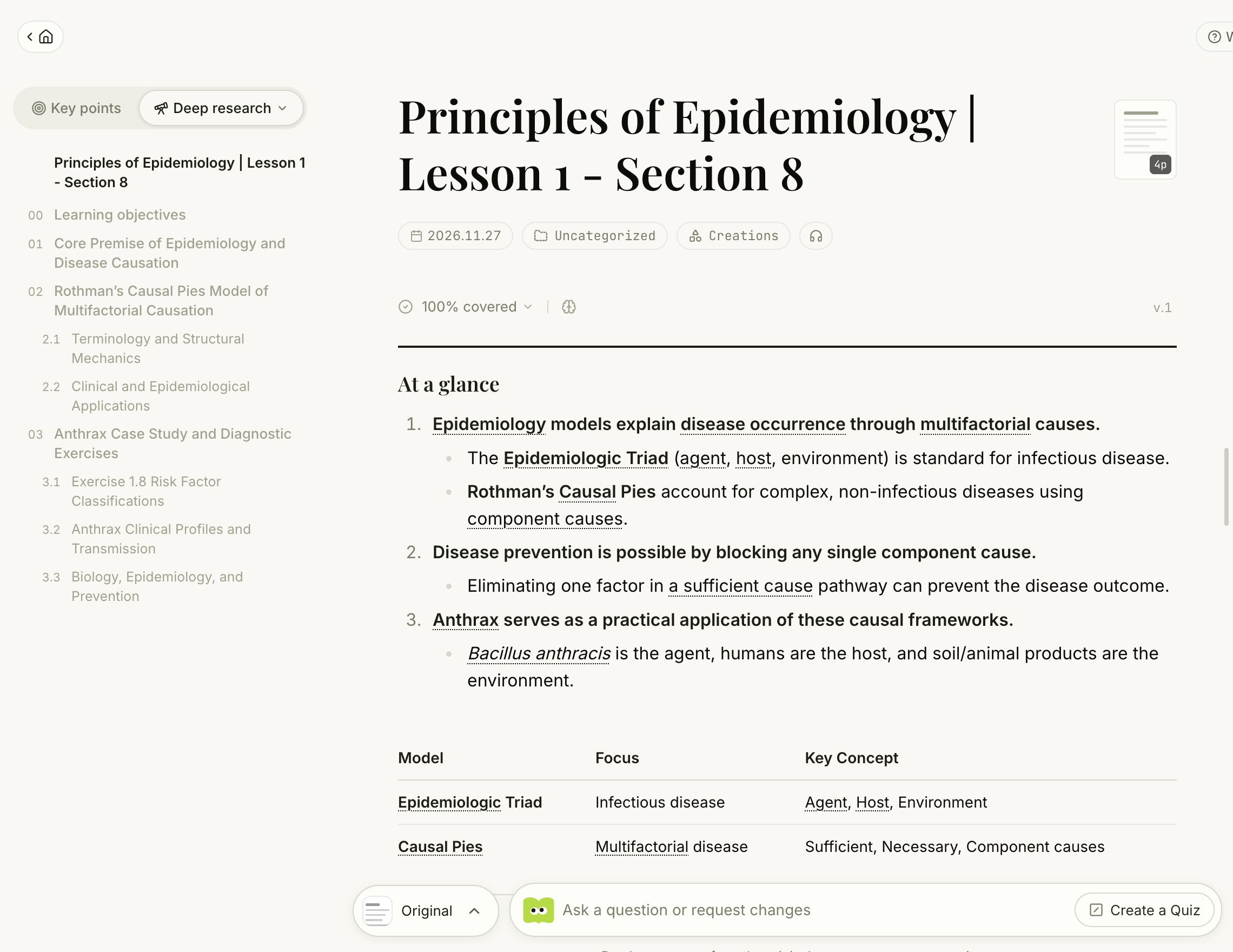
- Readray first turns the material into structured notes. The outline starts with the lesson's learning objectives, and the note opens with an "At a glance" summary and a comparison table of the two models in the section.
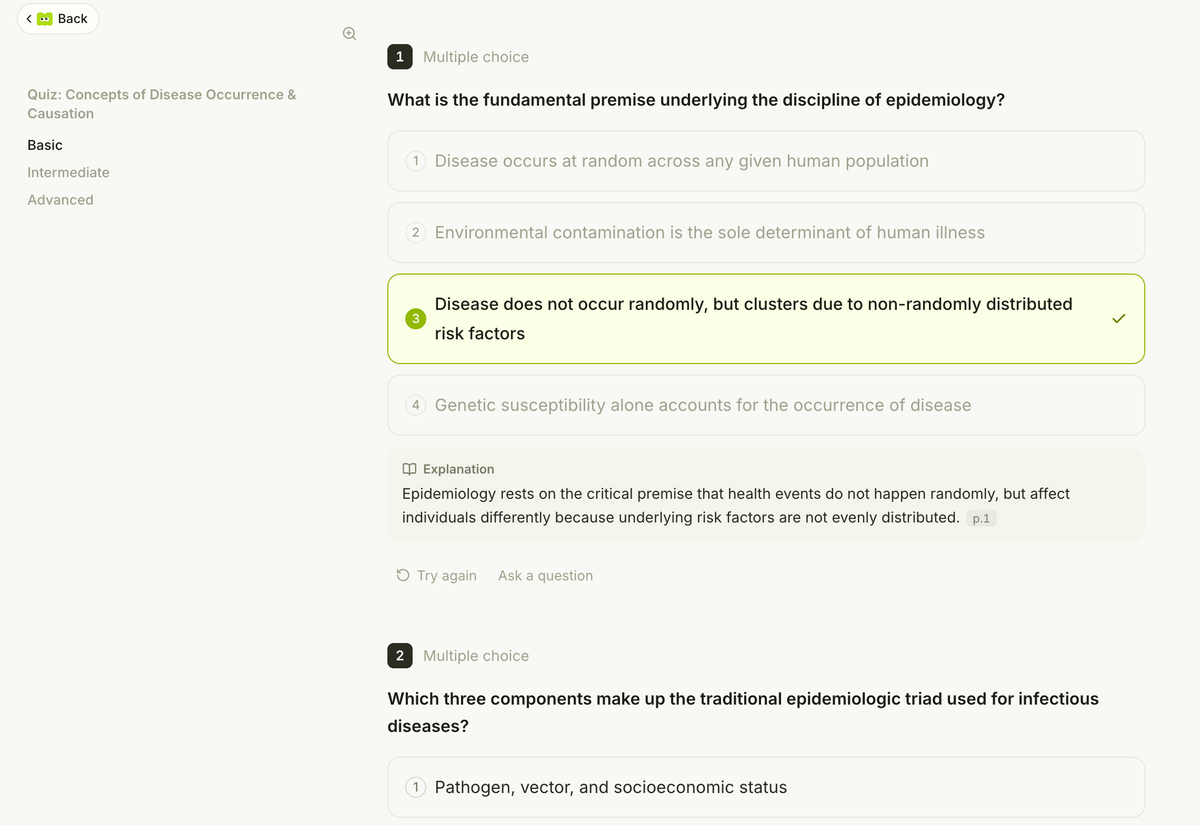
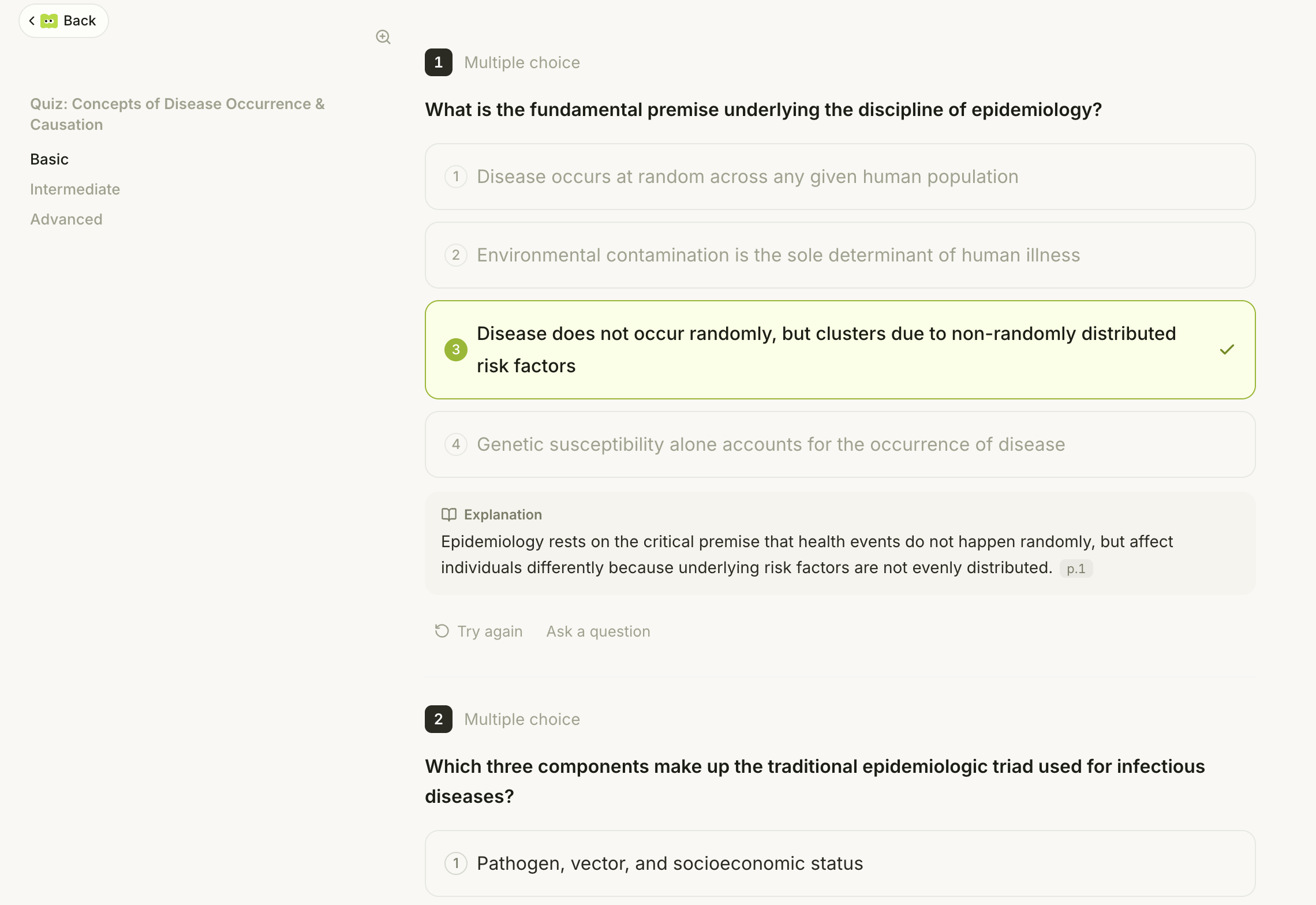
- A "Create a Quiz" button appeared next to the question box. One click made a 15-question quiz split into Basic, Intermediate and Advanced levels.
- After you answer, each question shows an explanation with a page reference, so you can go back to the exact place in your material.
Tips
Start with the notes, then take the Basic level, and read the page behind every question you miss. The same bar also has "Create Flashcards" and "Create a Study Guide" buttons. We did not run those two in this test.
The free plan gives 100 credits a day. A quiz comes after the notes, so it is one more step than tools that go straight to flashcards.
2. NotebookLM | Free
Available on: web, mobile app
What you get
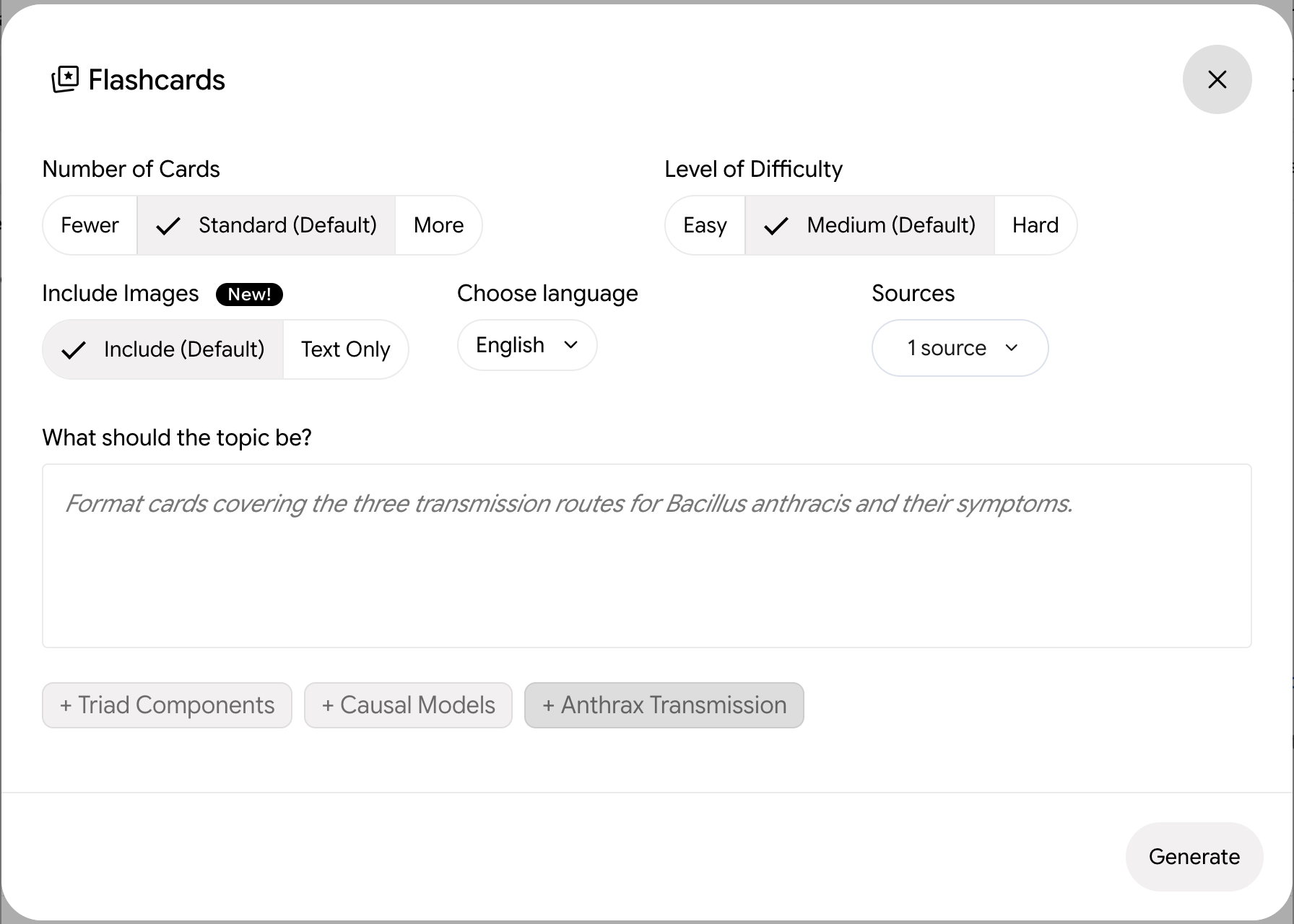
- The Studio panel has Flashcards and Quiz buttons. Before generating, you can choose the number of cards, the difficulty, the language and a topic to focus on.
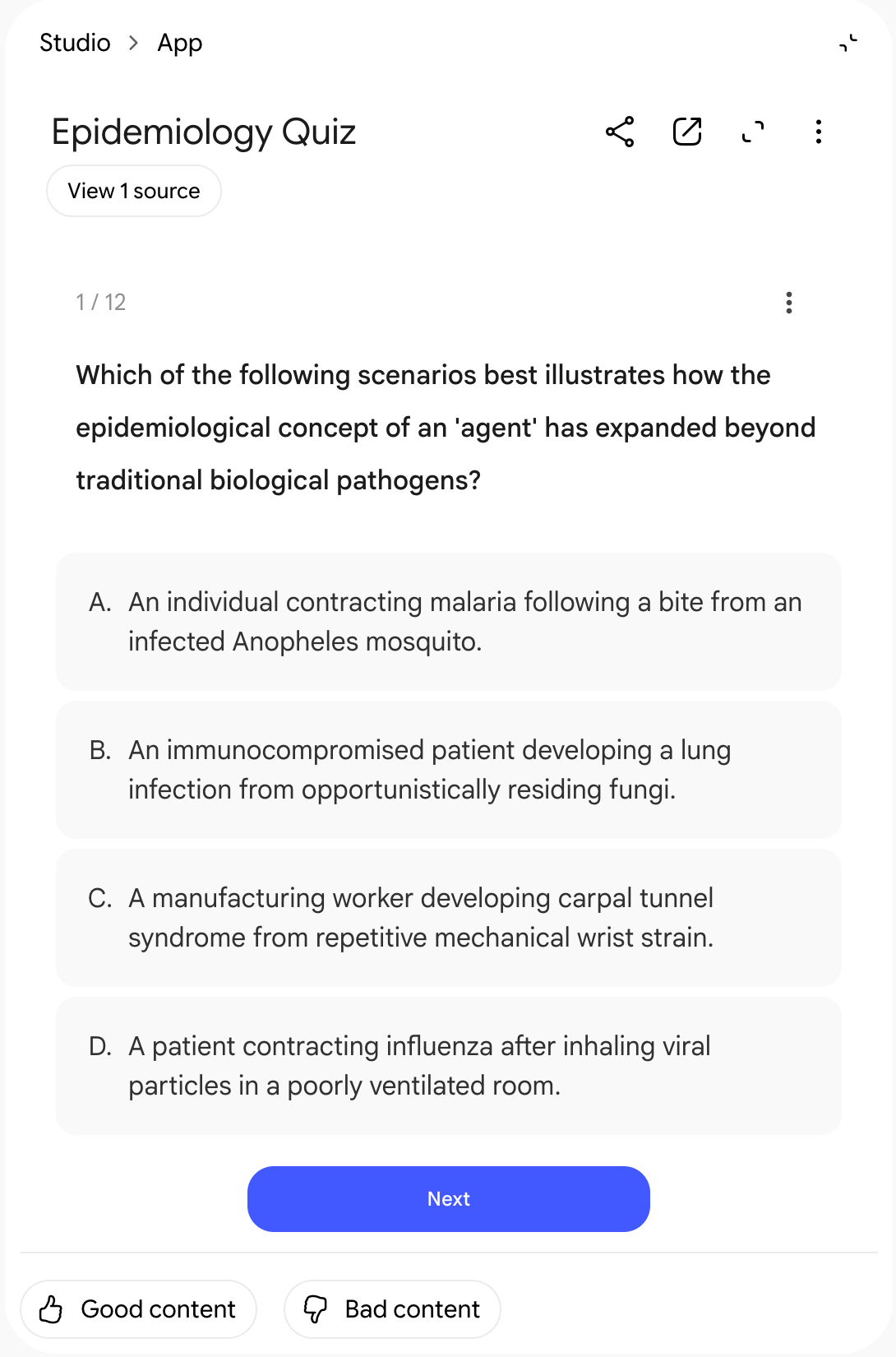
- The quiz had 12 multiple-choice questions.
Tips
NotebookLM gives you the most control before anything is generated, and it is free with a Google account. It suits students who want to load a whole course into one notebook and drill it topic by topic.
3. ChatGPT | Free and paid plans
Available on: web, desktop app, mobile app
What you get
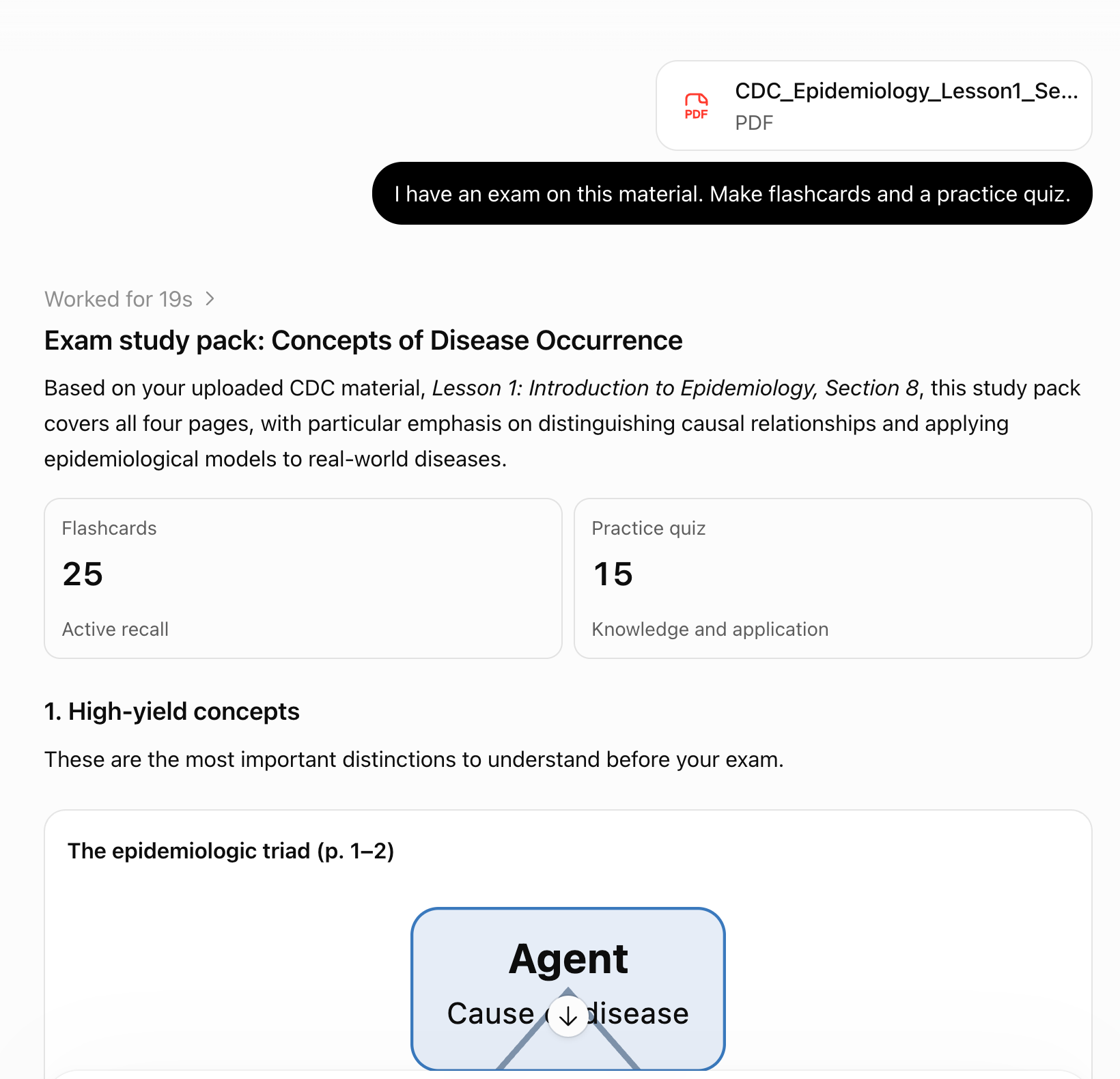
- ChatGPT answered with a full "exam study pack": 25 flashcards, a 15-question practice quiz, a section of high-yield concepts with a diagram, and a "key exam trap".
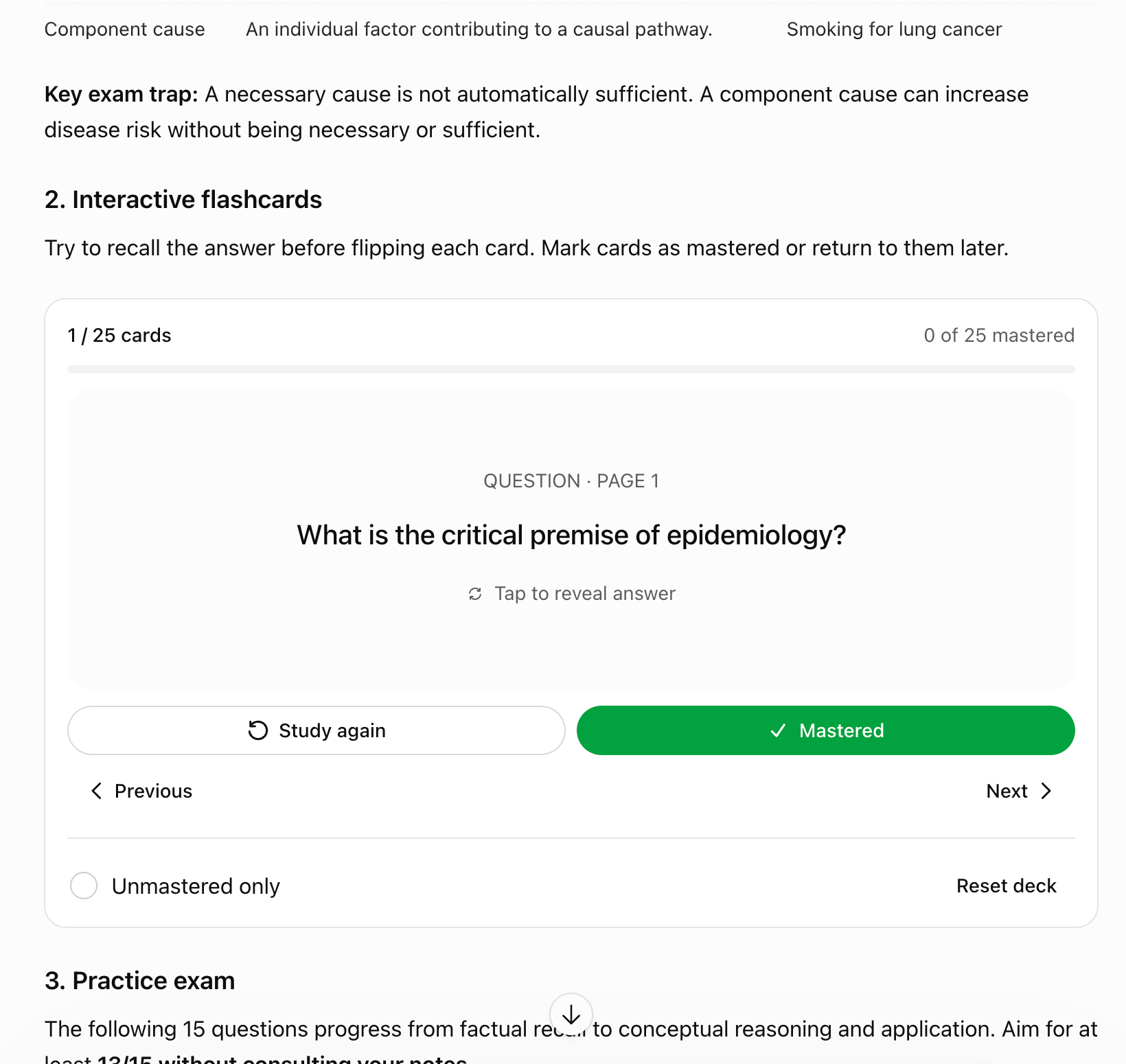
- The flashcards were interactive. Each card showed the page it came from, and you could mark cards as mastered.
Tips
This was the most complete result from a single message. The study pack lives inside one chat, so save or export it if you want to come back to it later. We tested on a paid account and did not check the free plan's upload limits.
4. Gemini | Free and paid plans
Available on: web, mobile app
What you get
- Gemini made 25 flashcards and opened them in a side panel with shuffle, audio and a "Track learning" switch.
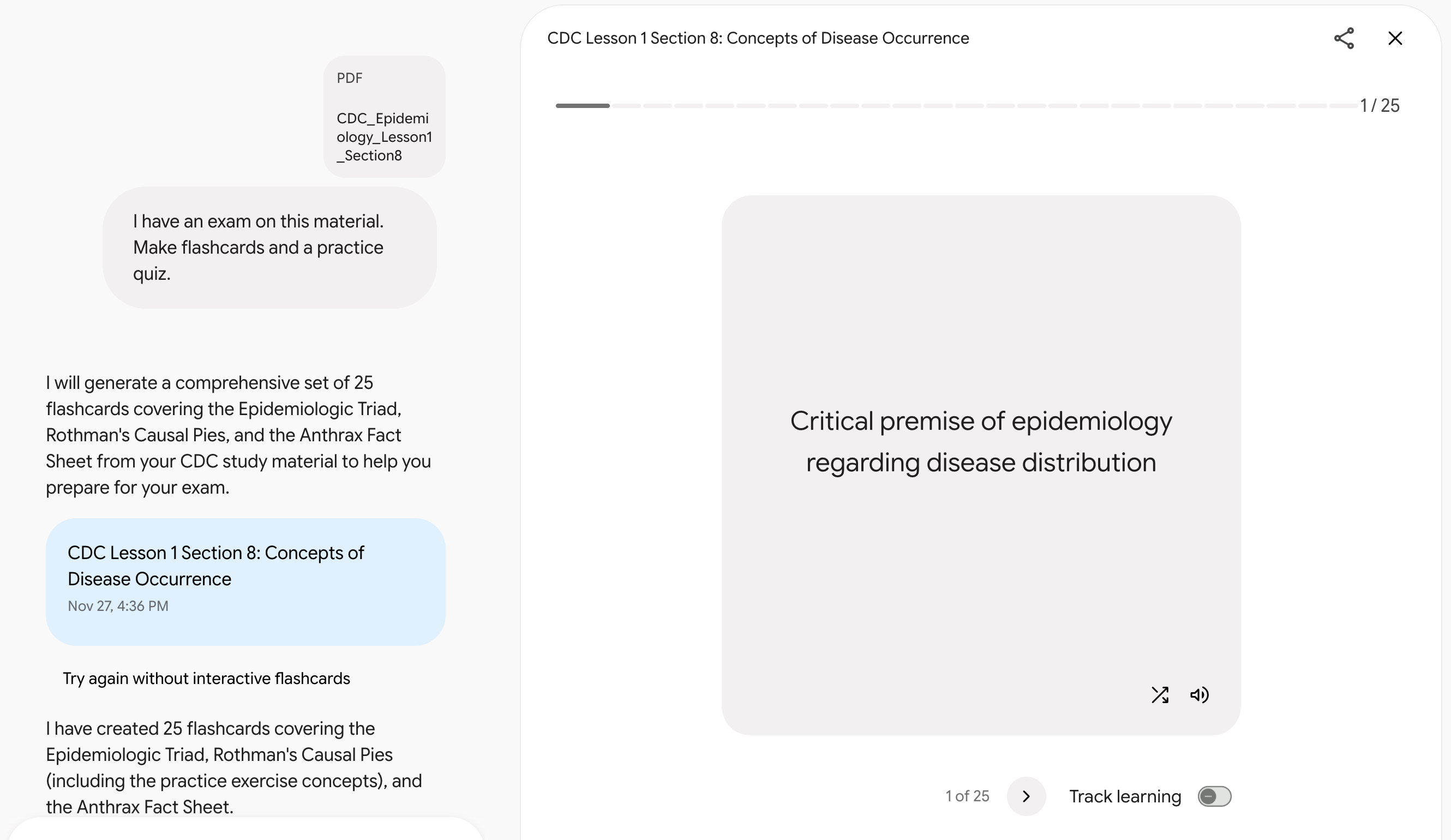
- It did not make the quiz in the same answer. It asked whether we also wanted an interactive practice quiz.
Tips
The flashcard deck was the cleanest to flip through. If you want a quiz too, ask for it in a second message. We tested on a Google Workspace account with a Pro plan.
5. Claude | Free and paid plans
Available on: web, desktop app, mobile app
What you get
- Claude built one interactive widget with two tabs: 15 flashcards and a 10-question quiz with hints.
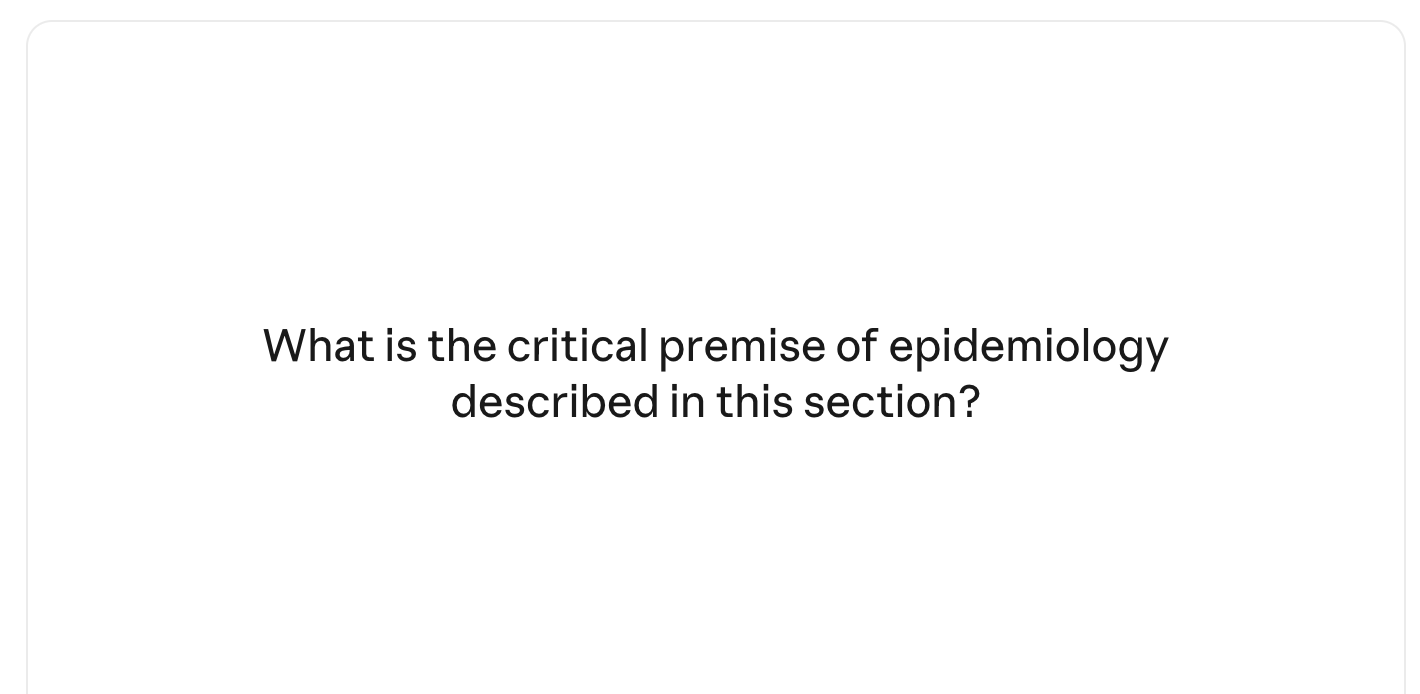
- It also added a note that the PDF has no answer key for the chapter's exercise, so some answers were its own reasoning and should be checked against the course key.
Tips
Claude was the only tool that told us where its answers might not match the official ones, which is useful before an exam. The answer took between two and three minutes to arrive. We tested on a paid account.
Which one should you use?
| What you need | Tool | Why |
|---|---|---|
| Understand the chapter first, then test yourself | Readray | Notes with learning objectives, then a quiz whose explanations show the page |
| Free flashcards and quizzes with settings | NotebookLM | Choose the number of cards, difficulty and topic |
| Everything in one answer | ChatGPT | Flashcards, quiz, a diagram and exam traps together |
| A quick flashcard deck | Gemini | Shuffle, audio and progress tracking |
| Honest notes about uncertain answers | Claude | Flags answers that are its own reasoning |
Upload your lecture notes or textbook chapter
and get notes and a quiz with page references.
FAQ
What is the best AI for studying?
There is no single best tool. In our test, Readray was the best fit for learning from notes and then quizzing with page references, NotebookLM for free and adjustable flashcards, and ChatGPT for the most complete study pack from one message.
Is there a free AI study tool?
Yes. NotebookLM is free with a Google account, and Readray gives 100 free credits every day. ChatGPT, Gemini and Claude also have free plans, but we tested them on paid accounts.
Can AI make flashcards from a PDF?
Yes. All five tools made flashcards or a quiz from the same four-page PDF. ChatGPT and Gemini each made 25 flashcards, and Claude made 15.
Should I trust AI-generated quiz answers?
Check them against your course material. Readray and ChatGPT showed the page behind each item, and Claude told us which answers were its own reasoning.